
Two updates to Levers came out this week. Levers 1.6 adds a switch that turns off the keyboard backlight on a MacBook. Levers 1.5, the day before, changed what happens the first time you open the app.
If you haven’t used Levers, it’s a menu bar app with sixty switches and actions for the Mac settings you change every day. I wrote about what Levers 1.3 added last week.
How to turn off the keyboard backlight on a MacBook
macOS has the setting, but no switch for it. Recent MacBooks have no keyboard brightness keys, so the light is changed with a slider:
- Click Control Center in the menu bar, then Keyboard Brightness, and drag the slider all the way down.
- Or open System Settings › Keyboard and drag Keyboard brightness down.
Older MacBooks also have keys for it on the top row. Either way, the light is off until you drag it back up, and you have to remember the level you had.
Dim Keyboard Backlight, new in Levers 1.6, does it in one click. It’s in the System tab. Turn it on and the light under the keys goes off. Turn it off and the light goes back to exactly where it was.
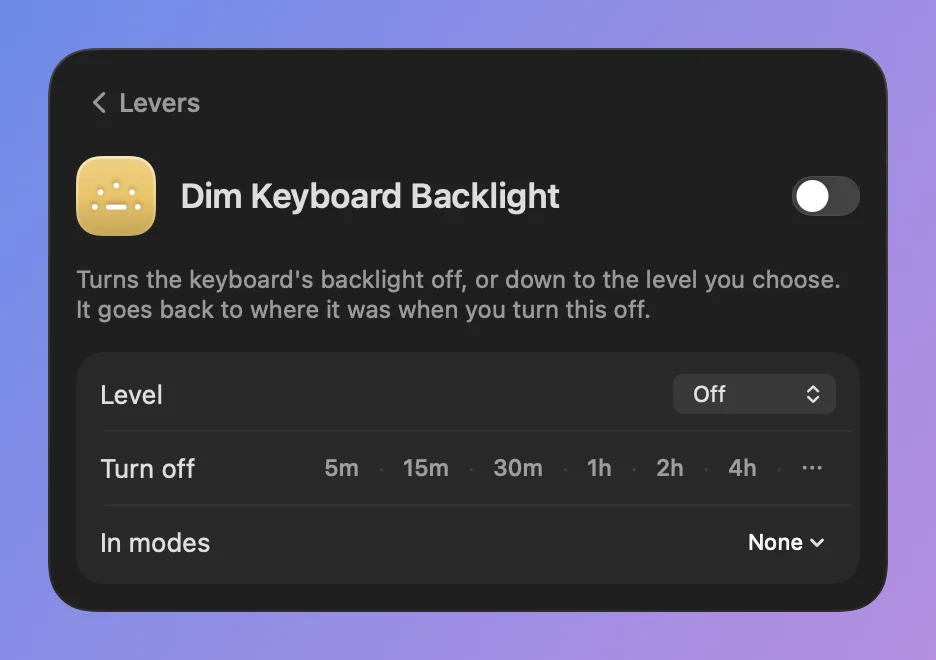
Click its name for one setting, Level. Off is the default. Low and Medium dim the light instead of turning it off, for when you want to see the keys but not the glow.
The slider and the brightness keys still work. If you change the light yourself while the switch is on, Levers takes that as your choice: the switch shows as off, and the light stays where you put it. Levers won’t put an older level back over yours later.
Keep the keyboard light off at night or in a dark room
Like every switch in Levers, it has a hotkey, a Turn off timer, a place in modes and rules, and an action in the Shortcuts app. Some ways to use it:
- In a mode for watching a film in the dark, with Dark Mode and Do Not Disturb.
- In a rule that turns it on from 10 PM to 7 AM.
- With a link,
levers://keyboard-backlight/toggle, from Raycast, Alfred or a Stream Deck.
It works on MacBooks with a backlit keyboard. On a Mac without one, the switch doesn’t appear.
Can you change the color of the MacBook keyboard backlight?
No. A MacBook’s keyboard light is white only, so no app can change its color, Levers included. You can only change how bright it is. Keyboards with colored lights, like Razer or Logitech ones, each use their maker’s own app.
Levers 1.5: a tour when you first open the app
Until 1.5, a new person entered a key or started the free trial, and that was it. The window closed and Levers sat in the menu bar. They had to find out for themselves what sixty switches were for.
So now, after the key or the trial, Levers shows you around. It takes about two minutes. You don’t read about the switches. You turn them on and watch your Mac change.
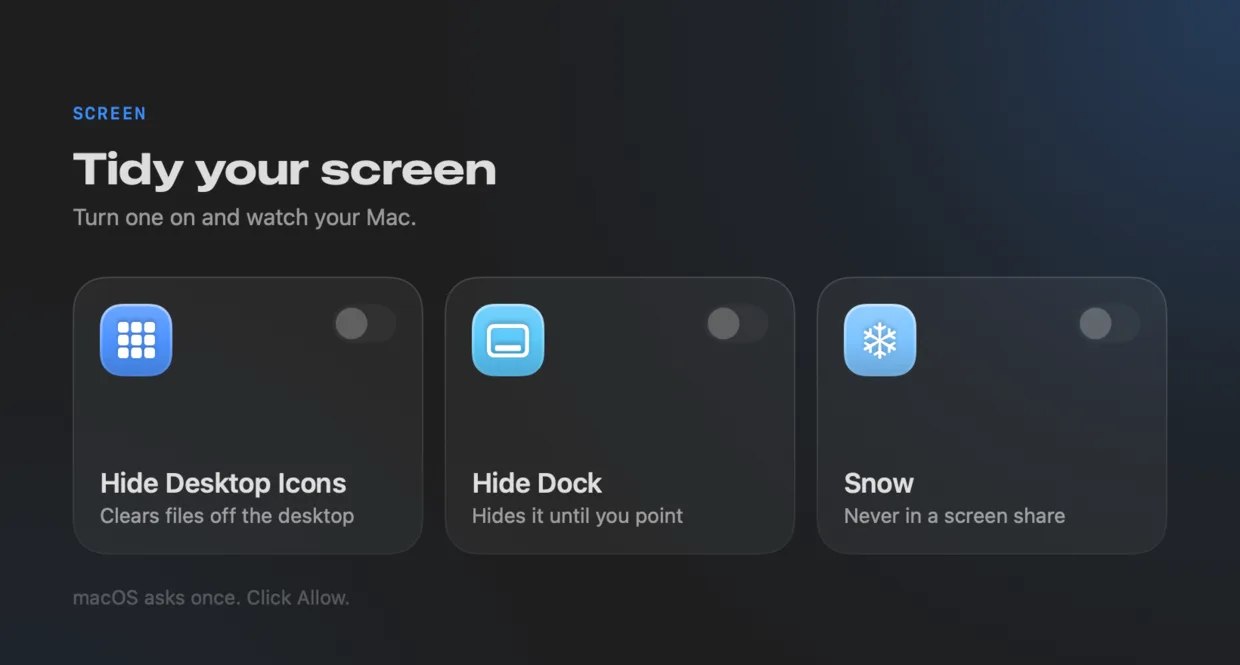
There are five steps of switches, with three to try in each:
- Screen: Hide Desktop Icons, Hide Dock and Snow.
- Sharing: Backdrop, Hide Menu Bar and Hide Other Apps.
- Display: Dark Mode, Grayscale and Night Shift.
- Focus & Sound: Keep Awake, Lock Keyboard and Mute Microphone.
- Finder & System: Show Hidden Files, Remap Caps Lock and Ask Before Quit.
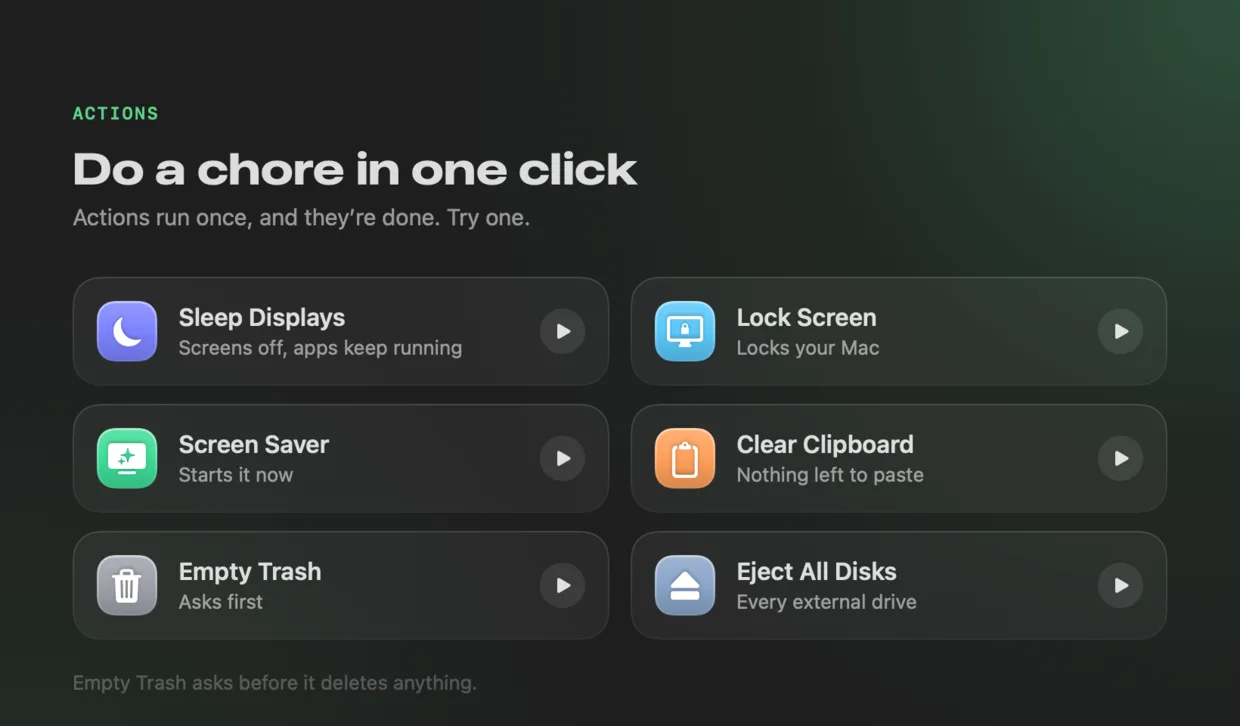
Then a step for actions, where one click sleeps the displays, locks the screen or clears the clipboard.
After that, you try Recording Mode for five seconds. Your desktop files, the Dock and your other apps hide, a countdown runs, and then it all comes back. Next to it are the modes Levers suggests for your Mac, like Call and Presentation, and you can add one with a click. The last step opens the palette with ⌃⌥Space.
Everything you turn on during the tour goes back the way it was when you move on. You can skip the tour at any step. To take it again, open Settings › About and click Start… next to Take the Tour.
How to get it
Both updates are free for everyone who owns Levers, and Levers offers them on its own. New to Levers? It’s a one-time purchase with no subscription: $9 for one Mac at the launch price, for a limited time, and $29 a Mac after that. There is a three-day free trial with no account and no card, and a 14-day refund. It needs macOS 15 or later, on Apple silicon or Intel.
If you use Homebrew, brew install --cask foredotstudio/tap/levers gets you the same app. The changelog lists every change.
If there’s a Mac setting you’d like as a switch, tell me.